

EDITED ON 1/13/26...
Hello and Welcome to all new Quarterly Sub Bag/Box customers! If you have had a subscription for a while, then you know the drill!
WHERE TO GO FOR ALL UPDATES/CHANGES/CANCELLATIONS
This Blog post will be short but sweet! Should you need to update/change anything about your Subscription, visit the "My Account" tab from the Menu on the website and "My Subscriptions". You MUST be signed in to view it. From there, you can update your address, payment method and even cancel your subscription. You cannot find your discount code there, however, everyone receives an email when their subscription transaction is processed with the new code for the quarter. Always send a message via our website chat to report a new address as well so that your Subscription can be updated. As far as I know, I am the only one who can make a change to an existing subscription address.
DISCOUNT CODE AND INFORMATION ABOUT YOUR DISCOUNT CODE
This Quarter the discount code is: SIMPLE25. This code will change quarterly. Keeping a screenshot of that initial email in your phone is recommended.
The value of your discount code is 25% while you are subscribed. While there are a few things on the website that you cannot apply the discount code to, most purchases are eligible. The exclusions include handmade resin and mani sleeves and anything already on sale (unless specified otherwise) and bundled items (this includes sets of liquids that are already discounted).
IMPORTANT:
All future payments for each quarter (no matter what date you sign up) will be due on the first of each quarter (March, June, September and December).
Also, remember that if your payment fails on the first try, you are able to rectify it and the system will notify you via email and try again the next day and one more time on the second day. Should all 3 attempts fail, your subscription will be canceled and you will be notified by email. If this happens and we are not full yet, contact me to retry your payment and reactivate your subscription.
SUPER IMPORTANT: Your subscription auto renews! DO NOT resubscribe quarterly and ask me to cancel your first one. This results in extra processing fees on my end.
MAKE SURE you are opted in for emails to ensure you receive all correspondence related to your subscription. Otherwise, you may not get notice of failed payments, your discount code or any other important information.
SHOP PAY CUSTOMERS: SOME OF THESE OPTIONS ARE ONLY AVAILABLE ON A DESKTOP COMPUTER, NOT IN THE APP.
-
Enter your email, and then click Continue.
-
In the Verify your identity section, complete one of the following options: Enter the six-digit verification code sent to your phone number. Click Send me a code by email instead, and then enter the six-digit verification code that was sent to your email.
-
In the Active orders section, click on the subscription order that you want to edit.
-
Scroll down to your subscription details, and then click Edit payment method.
-
Do one of the following: Choose an existing card on your Shop Pay account, and then click Update. Click + Use a different card to add a new card to Shop Pay.
-
Click Update.
-
In the Active orders section, click on the subscription order that you want to remove Shop Pay from.
-
Scroll down to your subscription details, and then click Edit payment method.
-
Click Remove Shop Pay to remove your payment method from your subscription, and then click Remove Shop Pay again to confirm.
-
Optional: To manage your subscription, you need to visit the online store that you purchased from. Removing Shop Pay as a payment method doesn't cancel your subscription order.
IF SHOP PAY IS TOO DIFFICULT TO MANAGE (BECAUSE IT JUST IS) WAIT UNTIL YOU CAN CANCEL YOUR SUBSCRIPTION AND RE-SUBSCRIBE. The best time to do this is just before they renew so you don't lose your perks.
For those of you who want to see the colors before you receive your bag/box, we have created a "SPOILER GROUP". You can find that group on Facebook using the following link: http://www.facebook.com/groups/2659521890870860
Remember, by joining this group, you will see all colors ahead of time (some may be mystery collections such as the 12 Days of Double Dipp'd Christmas Box colors). If you wish to remain surprised, do NOT join the Spoiler Group.
NO POSTING OF COLORS UNTIL I GIVE ALL CLEAR
Please remember, after the subscriptions ship out, we will not allow the colors to be posted in our main Facebook group until I give the all clear. (The exception to this is the Liquid Subscription color. That one is not a mystery color.) This happens when everyone receives their subscription. Due to the fact that it is a "Mystery" subscription, there are individuals who do like to receive a surprise when they open their package. Thank you in advance for your cooperation.
Our Theme for our January 2026 Subscription is "The Simple Life"
We will have a Subscription Member only event in February! Additionally, if you missed my Facebook post, this year I will be setting up Advance Releases for Subscription Members a week prior to a general release for most new releases involving collections. (This may not include all releases).
:Lastly, I will be utilizing our Subscription App email service to push messages through to existing subscription members for important information including New Release info and Subscription member only events. Please watch your emails for those!


Share:
Tips and tricks for using Cat Eye Dip Powder with a Magnet
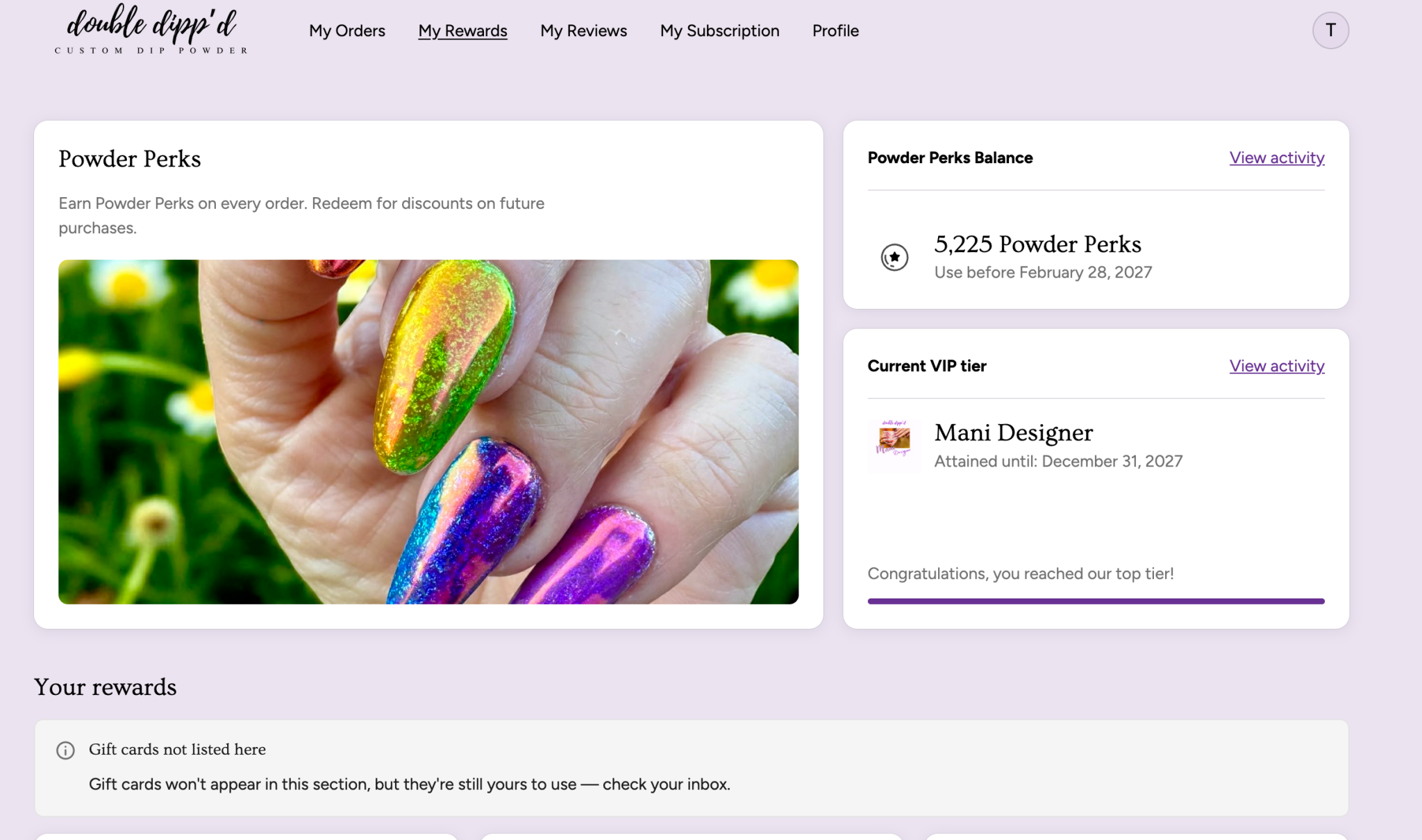
Changes and updates to our Powder Perks Program effective 1/1/26